
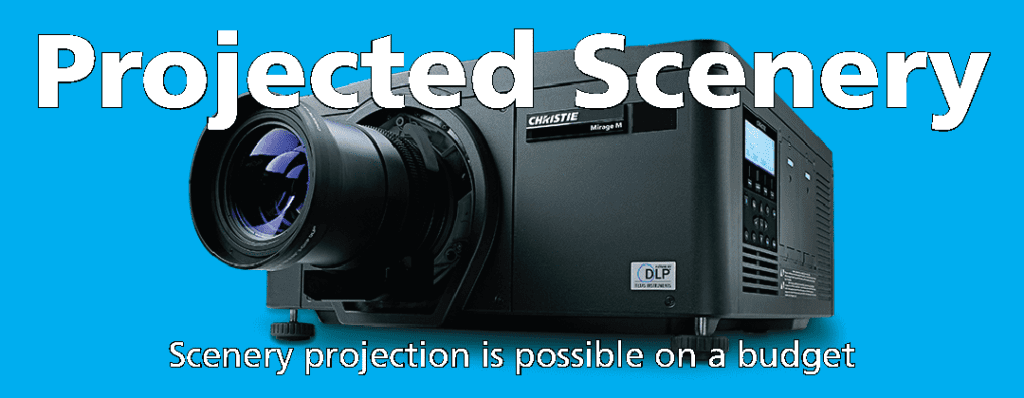
What Is Projected Scenery?
Projected scenery uses video projection to create scenic environments on stage, replacing or supplementing traditional built sets. From simple backdrop images to complex animated environments that change throughout a show, projected scenery opens creative possibilities that physical sets cannot match.
Why Use Projected Scenery?
For many theaters, projected scenery solves practical problems alongside creative ones:
- Cost: A single projector setup can display dozens of different locations that would each require a separate physical set
- Storage: No scenic shop space needed to build, paint, and store physical sets
- Speed: Scene changes happen instantly with a cue, not a 30-second blackout for a crew change
- Flexibility: The same projection setup works for every show in the season
- Scale: Project environments that would be impossible to build physically, such as vast landscapes, cityscapes, or underwater scenes
Equipment for Projected Scenery
Projectors
The projector is the most critical component. For theatrical use, you need a projector with sufficient brightness (measured in lumens) to compete with stage lighting. Most theatrical applications require a minimum of 6,000-10,000 lumens, with larger venues needing significantly more. Resolution, contrast ratio, and lens options are also important considerations.
Screens and Surfaces
Projected scenery can be displayed on a variety of surfaces: rear-projection screens (where the projector is behind the surface), front-projection screens, cycloramas (cycs), muslin drops, and even architectural surfaces. The choice depends on your stage layout, projector position, and the desired visual effect.
Content Creation
Scenic content can range from static images (digital versions of painted backdrops) to fully animated environments created in software like Qlab, Isadora, or Watchout. Many theaters start with static images and progress to animated content as they build experience.
Media Servers
For more complex productions with multiple projectors, animated content, or interactive elements, a media server manages the playback and distribution of video content. These can be integrated with your lighting control system so that scenic cues fire alongside lighting cues.
Challenges to Consider
Projected scenery works best when stage lighting is designed to work with it, not against it. Light hitting the projection surface from stage fixtures washes out the projected image. This requires careful coordination between the lighting designer and the projection designer to keep light off the projection surfaces while still lighting the performers.
Need Help with Projected Scenery?
We provide projector rental, screen rental, and scenic projection services for theaters and events in Kansas City. Contact us to discuss your production’s needs, or visit our showroom for a demonstration.